Enterprise AV has never been more complex, or more consequential. The shift to hybrid work, the convergence of AV and IT infrastructure, and the acceleration of AI-driven room technology, has changed what “good” looks like in a commercial AV system. What worked in 2019 is no longer the benchmark.
Here’s our guide for IT and operations leaders who know that enterprise AV is now firmly a part of IT infrastructure strategy, not a standalone category: the commercial AV systems that matter for modern enterprise environments. Learn what each one needs to deliver, where deployments commonly break down, and what the organizations getting it right are doing differently.
What commercial AV systems do enterprises use?
Modern enterprise commercial AV systems span five core categories: unified communications and certified room systems, conference room and collaboration AV, commercial digital signage and corporate communications displays, AV over IP networked infrastructure, and managed AV support services. Each category requires commercial-grade equipment, IT-aligned deployment, and a defined support model to perform reliably at enterprise scale.
Core enterprise AV system categories:
- Unified communications room systems (Teams Rooms, Zoom Rooms, Webex)
- Conference room AV: displays, ceiling microphones, auto-framing cameras, control systems
- Commercial digital signage and internal communications displays
- AV over IP networked signal distribution infrastructure
- Managed AV support: remote monitoring, proactive maintenance, on-site SLAs
What “Commercial AV Systems” Actually Means for an Enterprise
Commercial AV systems are purpose-built for continuous enterprise use. They are not adapted from consumer or prosumer products. They are designed for reliability, scalability, and integration with IT infrastructure.
The modern enterprise AV stack includes unified communications platforms, AV room systems, digital signage, event and presentation environments, and ongoing managed support. These components do not operate independently—they function as a connected system.
This is why AV is now a coordinated AV/IT conversation, not a stand-alone facilities decision. Network architecture, security policies, device management, and platform standardization all shape how AV systems are designed and deployed.
The cost of getting this wrong is not theoretical. Organizations that treat AV as a series of disconnected purchases end up with fragmented systems, unsupported hardware, and an increased IT-support burden.
Unified Communications and Room Systems
Unified Communication platforms drive every other AV decision in an enterprise environment. Whether the organization standardizes on Microsoft Teams, Zoom Rooms, Cisco Webex, or any of the other dozen UC platforms available, that choice determines hardware compatibility, room design, and management workflows.
What works is consistency: certified room systems, standardized & certified hardware across room types, and centralized device management. These environments are predictable, scalable, and supportable.
What fails is equally consistent. Mixing platforms across floors or locations creates complexity that IT teams must manage indefinitely. Using consumer-grade displays as an example, introduces reliability issues and even networking anomalies that not only surface during meetings, but also can create issues even when the system is not in use.
The IT implications are significant. Network segmentation, firmware management, licensing alignment, and remote monitoring all need to be accounted for at the design/programming stage — not as an afterthought post deployment.
Conference Room and Collaboration AV Systems
Conference room AV systems perform best when they are standardized by room type, rather than designed individually. A standards-based typology approach ensures consistency across the organization, ensures familiarity with end users, and simplifies support.
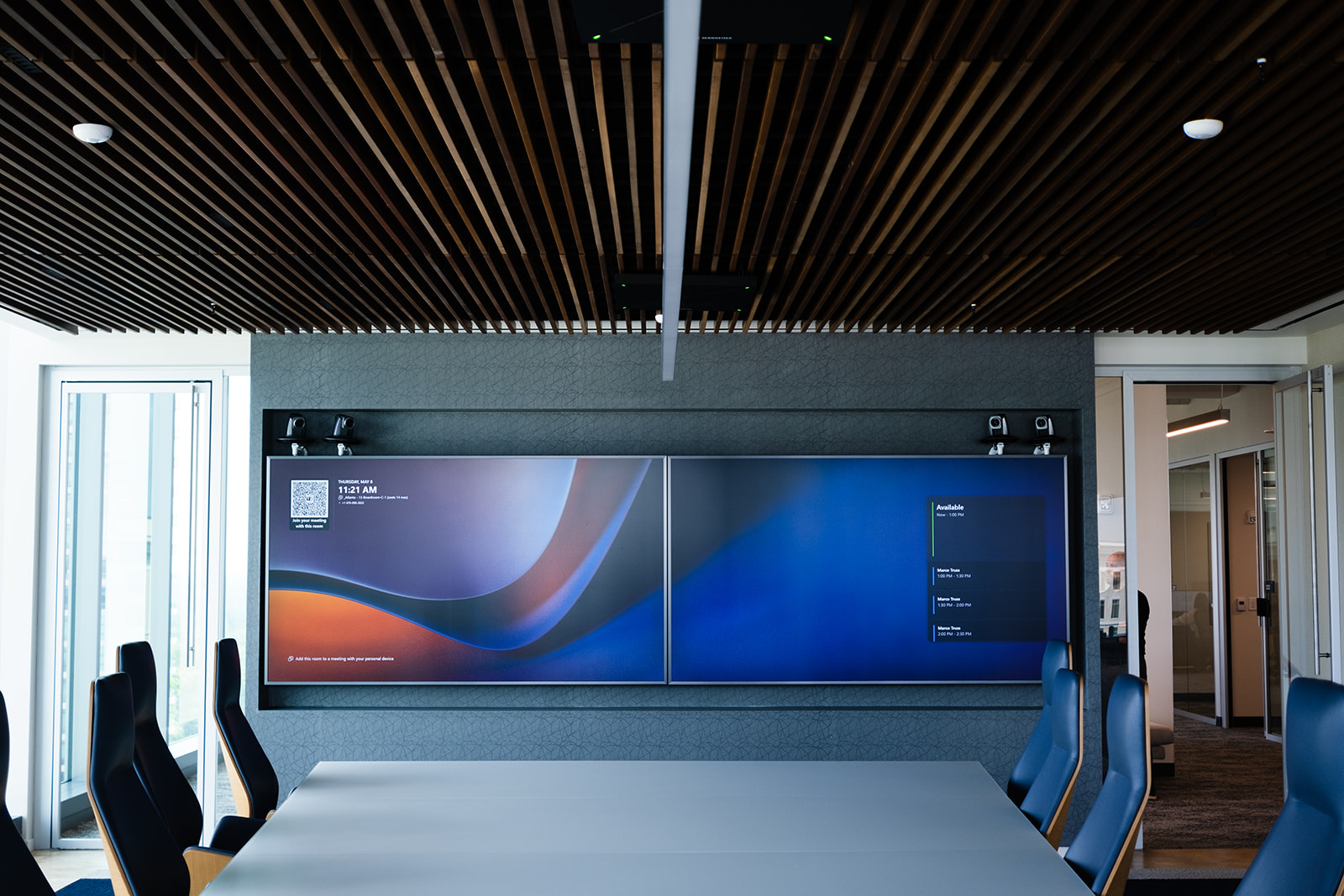
What works in this modern age of AV includes digital beamforming ceiling microphone arrays, auto-framing cameras, one-touch room control, and dual-display configurations that support hybrid collaboration as an extension of the in-room participants. These systems are designed for usability and performance at scale.
What fails is predictable. Tabletop speakerphones in larger rooms, consumer displays operating on commercial duty cycles with largely unregulated wireless NICs, and the absence or poor implementation of DSP processing all lead to degraded performance and poor user experience.
For a deeper breakdown, consult our guide to conference room AV systems.
Digital Signage and Corporate Communications Systems
Digital signage in enterprise environments is infrastructure—not decoration. It supports lobby experiences, wayfinding, internal communications, and emergency notifications.
What works is centralized, cloud-based content management services, commercial-grade displays designed for 24/7 operation, and network-managed deployments that allow for monitoring and control across locations.
What fails include using consumer displays in commercial environments, managing content independently across floors or sites, and deploying systems without monitoring or alerting capabilities.
AV Over IP and Networked Infrastructure
AV over IP is now the standard for signal distribution in enterprise environments. It replaces traditional matrix switching with scalable, network-based infrastructure.
What works is standards-based AV over IP—such as SMPTE ST 2110, IPMX, and NDI—combined with proper network segmentation and IT-managed deployment.
What fails is reliance on proprietary systems that lock organizations into a single vendor, insufficient bandwidth planning, and AV deployments that occur without IT involvement.
The reality is straightforward: AV over IP systems are IT systems. They require the same level of planning, governance, and management as any other networked infrastructure.
Managed AV Support as a System Component
Managed support is not an add-on; it is part of the system.
What works is proactive support: remote monitoring, fault detection, defined SLAs, and the ability to respond quickly on-site when needed. These capabilities ensure systems remain operational without relying on end users to report failures.
What fails is reactive-only support. Without visibility into system performance, issues are discovered at the worst possible moment…when a meeting is about to start.
Modern enterprise AV is an interconnected stack of room technology, network infrastructure, UC platforms, and managed support.
What keeps it working is consistent: standardized room typologies, IT-aligned infrastructure, certified platforms, and a support model built-in from the start.
What fails is equally consistent: piecemeal procurement, consumer hardware on commercial duty cycles, and no plan for what happens after installation.
AV-Tech Media Solutions designs and deploys commercial AV systems for enterprise organizations across the US and the globe. If your current AV stack is not performing at the level your organization requires, the next step is understanding why — and what to do about it. Start here.
Frequently Asked Questions
What is the difference between commercial and residential AV systems?
Commercial AV systems are engineered for continuous use by multiple users in business environments — higher duty cycles, IT network integration, centralized management, manufacturer support SLAs, and design documentation standards. Residential AV is designed for occasional home use and lacks the reliability, scalability, and governance alignment enterprise environments require.
How do you choose the right commercial AV system for an enterprise?
Start with your UC platform — Teams, Zoom, or Webex — since every other room technology decision follows from it. Then define room typologies and establish a standardized AV specification for each category. Involve IT in the design phase to confirm network requirements before procurement. Work with a commercial AV partner who can design, install, and support the full stack.
How long do commercial AV systems last in enterprise environments?
Core infrastructure — displays, audio systems, structural components — typically carry a five-to-seven-year lifecycle when commercial-grade equipment is specified correctly. Control systems and UC endpoints may require earlier refreshes, due to software platform evolution and expanded capabilities. A lifecycle plan established at the design phase prevents unplanned budget surprises and maintains consistent performance.
What role does IT play in managing commercial AV systems?
IT is responsible for network infrastructure, UC platform licensing, firmware update management, remote monitoring access, and security policy alignment. AV teams handle room system configuration, DSP programming, and physical maintenance. The organizations with the best-performing enterprise AV systems have defined the IT/AV boundary clearly at design phase — not after a system failure.