A commercial AV system can be easy to manage in one office. The challenge changes once the same organization has ten, twenty, or fifty locations.
That is where many enterprise teams run into trouble. One office chooses one video platform. Another uses a different display. A third has a control panel no one else understands. Over time, each location becomes its own support case.
The result is an AV environment that works in pieces but fails as a system.
Multi-location AV standardization gives IT and operations teams a cleaner path. It creates a shared framework for room types, technology choices, documentation, deployment, and support. Instead of redesigning every space from scratch, enterprise teams can repeat what works.
How Do You Standardize a Commercial AV System Across Multiple Locations?
Standardizing a commercial AV system across multiple locations requires a room typology framework, an approved technology stack, a shared UC platform, consistent documentation and centralized support. The goal is not to make every room identical, but make every room easier to deploy, use, and support.
A practical standardization model includes:
● Room standards for huddle rooms, conference rooms, boardrooms, and training spaces
● Approved equipment for displays, audio, cameras, control, and connectivity
● A consistent UC platform, such as Microsoft Teams Rooms, Zoom Rooms, or Webex, aligned with broader interoperability and deployment guidance from AVIXA standards
● Site survey and commissioning standards
● As-built documentation for every location
● Centralized monitoring and support
● Lifecycle planning tied to refresh cycles
Why Multi-Location AV Standardization Breaks Down
Fragmentation usually starts with practical decisions. One location needs a quick fix, another has a separate budget, and a new office opens before anyone has time to define the standard. None of those choices feels reckless in the moment. Over time, they create an AV environment that is hard to support and harder to scale.
Each decision solves the immediate problem. Together, they create long-term complexity.
The real cost shows up later. IT cannot support rooms remotely because the systems are different. Users move between offices and find a new experience in every room. Procurement loses buying power. Support teams spend time relearning each space instead of solving problems at scale.
The fix starts with governance. Someone has to own the AV standard, manage exceptions, and keep local decisions aligned with the enterprise model. Consistent collaboration experiences across every office are no longer a preference. Employees expect meeting technology to work the same way wherever they are. That expectation continues to grow as hybrid work remains standard across enterprise organizations, according to the Owl Labs State of Hybrid Work 2025 report.
Build Standards Around Room Types, Not Office Locations
The strongest multi-location AV programs start with room types.
A small conference room in Atlanta should follow the same base standard as a small conference room in Dallas. A boardroom should follow a different standard because the use case is different. The location matters less than the room’s job.
This approach keeps the system flexible without letting every office create its own version.
Common room categories include:
● Huddle rooms
● Small conference rooms
● Large conference rooms
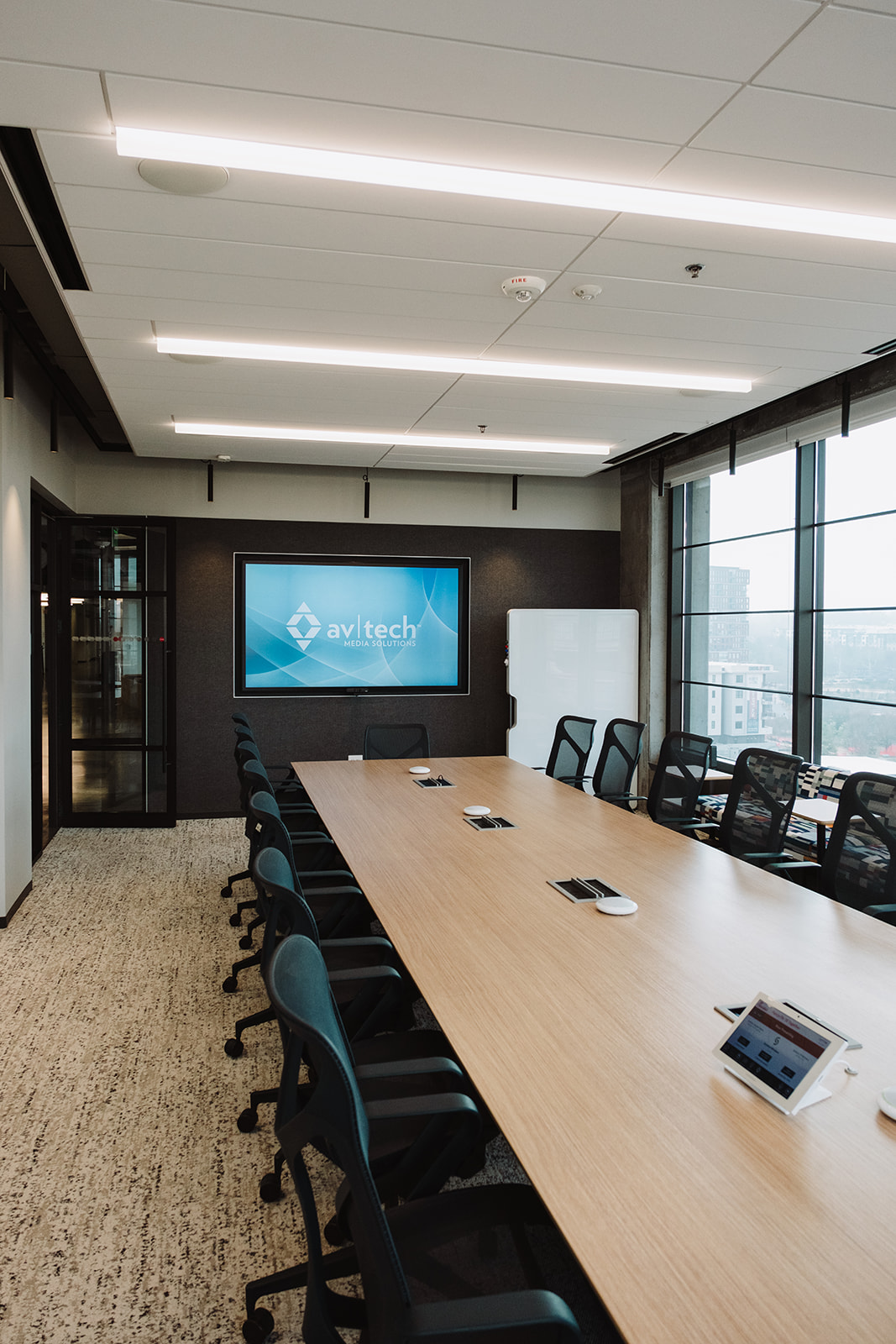
● Boardrooms
● Training rooms
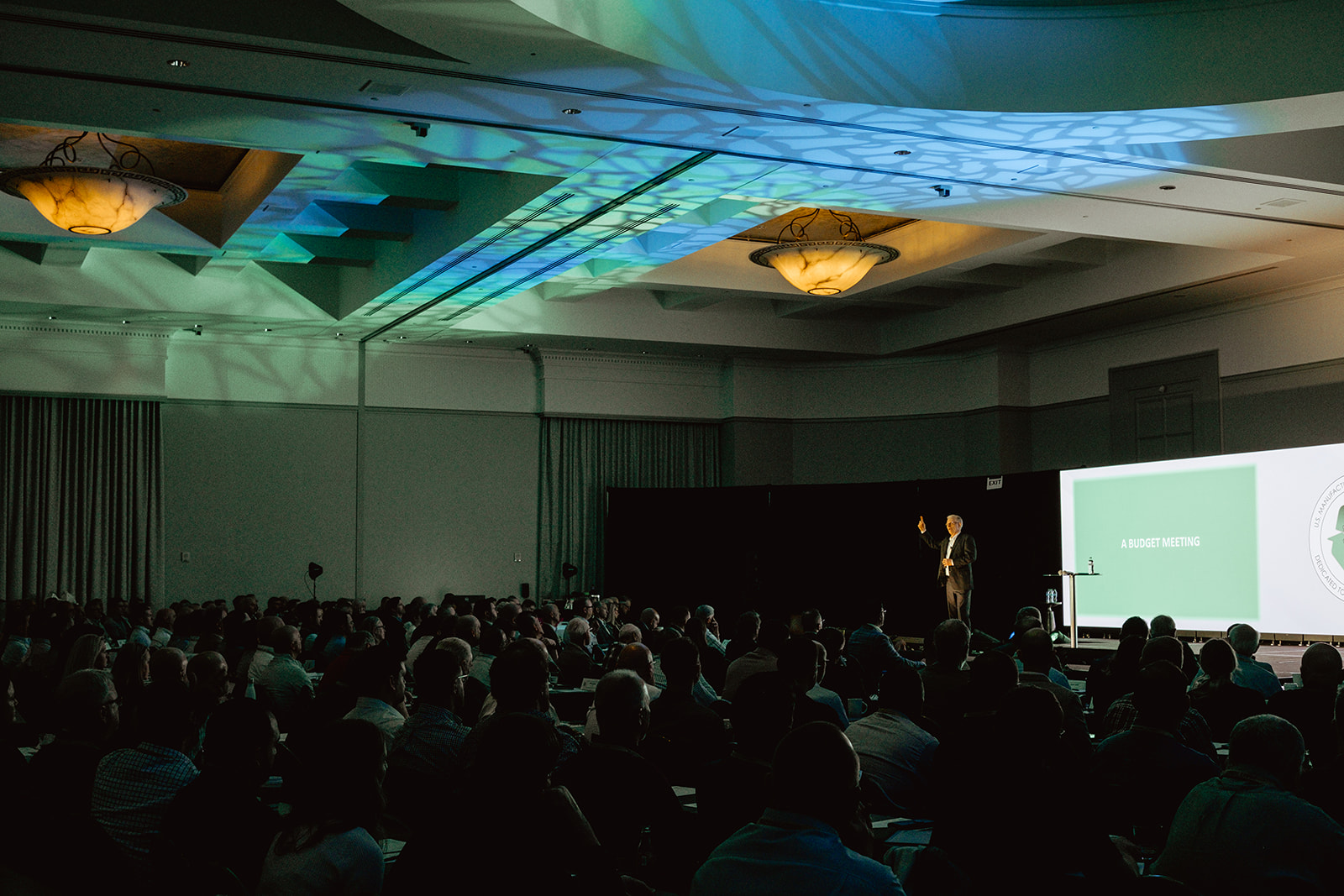
● All-hands or town hall spaces
Each room type should have a defined AV package, including display size, camera type, microphone approach, control interface, UC platform, cabling, network needs and support expectations.
That kind of structure makes new deployments faster and legacy upgrades easier to plan.
Standardize the Technology Stack
Technology choice can either simplify support or multiply it, especially when organizations skip proper planning during commercial AV installation.
A standardized commercial AV system should use a focused set of approved products across core categories:
● Displays
● Cameras
● Microphones
● Speakers
● Control systems
● Scheduling panels
● Networked AV devices
● Cabling and connectivity
This does not mean every room gets the same equipment. It means every room is built from an approved ecosystem that IT, facilities and support teams understand.
A short approved list also improves procurement. Teams can negotiate better pricing, manage spare parts and reduce one-off purchases that create support headaches later.
UC platform alignment matters as well. A mixed environment of Teams Rooms, Zoom Rooms, and Webex rooms can create user confusion and support complexity. Many enterprises can support exceptions, but exceptions should be intentional, documented, and limited.
Plan Deployment Before Equipment Ships
Multi-site AV projects fail when deployment details get handled too late.
Before equipment ships, each site needs a clear survey process. The team should confirm room dimensions, power, network readiness, ceiling conditions, furniture layout, lighting, acoustics and user needs.
IT requirements deserve early attention. VLANs, firewall rules, device permissions, security policies and network drops should be confirmed before installation starts.
Commissioning also needs a standard. Every location should be tested against the same criteria, including audio quality, camera framing, display performance, call launch, control behavior and user handoff.
That is how teams avoid a common multi-site problem: the same room type works perfectly in one office and poorly in another.
Centralize Monitoring and Support
A distributed AV environment needs visibility.
Centralized monitoring gives support teams a view across locations. They can see whether devices are online, whether firmware needs attention, and whether a room has an issue before the next high-stakes meeting.
This matters at enterprise scale. A failed display in one city should not become a surprise at 9 a.m. A microphone issue should not require three people to guess which system is in the room. A software update should not break ten different room types in ten different ways.
Standardization makes support cleaner: one update process, one documentation model, one escalation path, and one set of known room types.
Local support still matters, but it needs to operate within the same enterprise model. Remote teams should have the documentation to diagnose issues quickly, local technicians should understand the standard they are supporting, and users should have a clear way to report problems without guessing who owns the room.
Treat Legacy Rooms as a Lifecycle Issue
Most enterprises cannot replace every room at once.
That is fine. Standardization does not require a full reset – it requires a plan.
New offices and renovations should adopt the standard immediately. Legacy rooms should be documented, classified and migrated on a refresh schedule. Each exception should have a reason, an owner and a sunset date.
This keeps the standard from getting diluted.
The biggest mistake is allowing legacy rooms to become permanent exceptions. Over time, those exceptions become the system. Then IT is back where it started: managing a patchwork of rooms, vendors and support needs.
The Standard Is the Strategy
Multi-location enterprises do not need every office to look the same. They need every office to work from the same logic.
That logic should define how rooms are designed, how systems are deployed, how issues are supported and how upgrades happen over time.
A strong commercial AV system standard gives teams consistency without forcing rigidity. Users get rooms that feel familiar while IT gets systems it can manage, and leadership gets a clearer view of cost, risk, and refresh planning.
At scale, AV cannot depend on local guesswork. It needs a standard that travels.
AV-Tech Media Solutions helps enterprise teams design, deploy, and support commercial AV systems across offices, regions and complex work environments. If every location has become its own AV exception, the next step is building a standard that can hold up across the business.