Enterprise AV problems often start when each meeting room becomes its own project.
One office chooses one setup. Another office chooses a different one. A boardroom gets premium technology. A training room gets patched together later. Over time, IT inherits a mix of tools, interfaces, support needs and user complaints.
For CIOs, that model creates avoidable friction.
Commercial AV systems need to scale across rooms, offices and markets. That requires clear standards, consistent user experience and a support model IT can manage.
The goal is not to make every room identical. The goal is to make every room predictable.
CIOs can plan commercial AV systems that scale across offices by creating repeatable room standards before choosing equipment. A scalable AV plan should define room types, user needs, platform requirements, network and security standards, support ownership, documentation, training and lifecycle management. This approach helps enterprise teams reduce one-off room decisions, improve meeting reliability and make AV systems easier to support across locations.
Start With Room Standards Before Choosing Technology
The first mistake many organizations make is starting with products.
A team chooses a camera. A vendor recommends a display. A department asks for a new control panel. The room fills with technology before anyone defines how it should function.
CIOs can avoid that problem by starting with room standards.
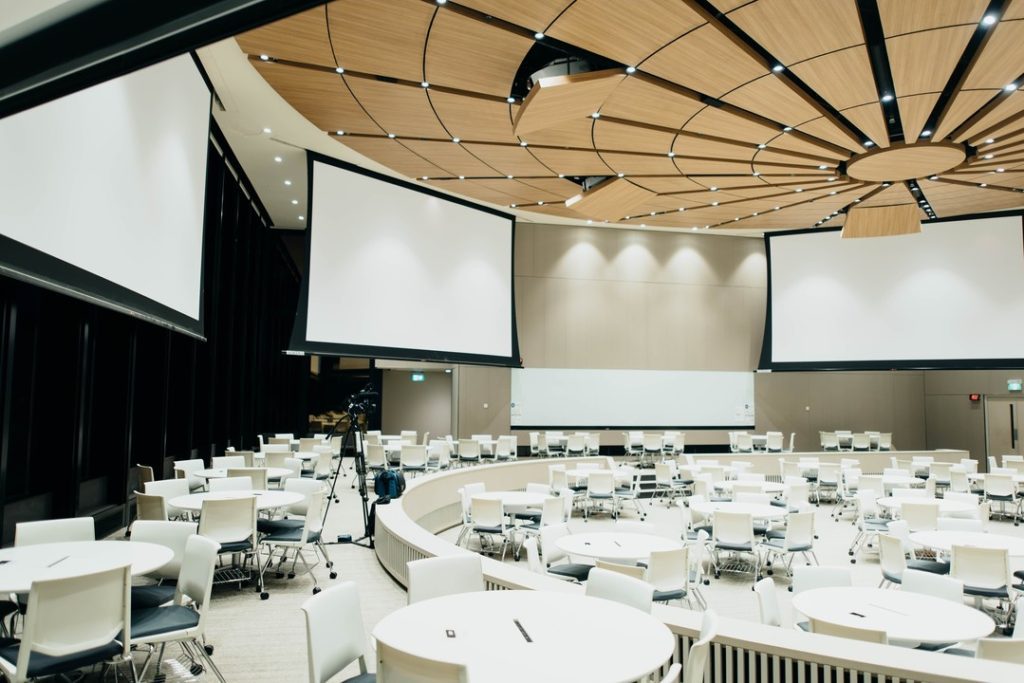
Room standards should define the purpose of each space before commercial AV system design begins. A huddle room does not need the same setup as a boardroom. A training room does not need the same experience as an executive briefing space.
Start by grouping rooms into clear categories:
- Huddle rooms
- Standard conference rooms
- Boardrooms
- Training rooms
- Divisible spaces
- Executive meeting rooms
- Hybrid collaboration rooms
Each room type should have a defined use case, user profile, platform requirement, and support expectation.
This gives IT, facilities, procurement, and AV partners a shared planning model. It also prevents every room from becoming a custom build.
Commercial AV systems scale better when every room type has a clear purpose, user experience, and support model before technology is selected.
Build Commercial AV Systems Around Real User Behavior
AV planning should start with how people actually meet.
That sounds obvious, but many rooms are still designed around equipment lists instead of user behavior.
Employees want rooms that start fast. Executives expect meetings to run without friction. Remote participants need to hear clearly and see the right people. Guests need simple ways to connect. IT needs fewer support tickets. Facilities need systems that fit the room.
Strong commercial AV system design connects all of those needs.
Before choosing technology, CIOs should ask:
- Who uses this room most often?
- What kinds of meetings happen here?
- How often are remote participants involved?
- Which platforms do teams use?
- What causes support issues today?
- What does a successful meeting look like in this space?
Those answers should shape the system.
A room used for quick team check-ins needs a different design than a room used for board presentations. A hybrid training room needs different audio, camera and display planning than a small meeting space.
Commercial AV systems should support the way people work. When they do not, users create workarounds. Those workarounds usually become IT problems.
Standardize the Core Components Across Offices
Standardization does not mean every room looks the same.
It means every room follows a design logic users and IT teams can trust.
For CIOs, this matters because inconsistent systems create inconsistent support needs. If every office has different displays, control panels, cameras, microphones, and platform setups, IT has to support a patchwork environment.
That does not scale.
A strong AV standard should cover:
- Displays
- Cameras
- Microphones
- Speakers
- Control panels
- Cabling
- Room scheduling tools
- UC platform requirements
- Network needs
- Remote management options
- Documentation
The goal is to create patterns.
For example, standard conference rooms may follow one equipment and support model. Boardrooms may follow a more advanced model. Training rooms may need a different standard because they support larger groups and longer sessions.
This helps teams make faster decisions. It also helps users know what to expect when they walk into a room.
Consistency builds confidence. When employees know how a room works, meetings start faster. When IT knows how a room is built, support gets easier.
Plan for AV/IT Convergence Early
Commercial AV systems now sit inside the broader IT environment.
That means AV planning needs IT involvement from the start. Network requirements, security rules, device management, software updates, and remote support cannot be treated as afterthoughts.
If IT sees the AV system for the first time after installation, the planning process already missed something.
CIOs should make sure AV system design includes:
- Network readiness
- Security requirements
- Platform compatibility
- Firmware and software update planning
- Device management
- Remote access permissions
- Support escalation
- Documentation for IT teams
This is where AV/IT alignment becomes practical.
The AV partner needs to understand the room. IT needs to understand how the system connects to the network, collaboration platforms, and support workflows. Facilities need to understand how the physical space affects performance.
Strong commercial AV solutions bring those groups together early.
That alignment helps prevent common problems: systems that cannot be remotely managed, devices that create security concerns, rooms that are hard to troubleshoot, and support models that nobody owns.
Design for Hybrid Work Without Overcomplicating the Room
Hybrid work changed what meeting rooms need to do.
A room now has to serve the people sitting at the table and the people joining from somewhere else. That requires more than a display and a webcam.
It requires clear audio, thoughtful camera placement, simple controls, and a consistent platform experience.
Microsoft’s 2025 Work Trend Index notes that organizations are rethinking collaboration environments to support more intelligent, connected ways of working, which makes dependable meeting room technology even more important.
For most rooms, audio should be the first priority. If people cannot hear or be heard, the meeting fails. Camera placement comes next because framing affects how remote participants experience the conversation. Displays, lighting, and controls also shape whether the room feels useful or frustrating.
Good conference room AV design should account for:
- Microphone coverage
- Speaker placement
- Camera framing
- Sightlines
- Lighting
- Display size
- Table layout
- Remote participant experience
- In-room participant experience
- Simple room controls
Hybrid work does not require every room to become a studio. It requires each room to make participation clear, reliable, and easy.
For CIOs, this is not just a workplace experience issue. It affects productivity, collaboration, and confidence in the office.
Connect Commercial AV System Design to Long-Term Support
A scalable commercial AV system needs a support plan before installation begins.
Too often, support is discussed after the room is live. That creates confusion when something fails. IT may not know what the AV partner supports. Facilities may not know who owns the room. Users may not know how to report issues.
Commercial AV system design should answer those questions early.
CIOs should define:
- Who owns the room after installation?
- What does IT support internally?
- What does the AV partner support?
- What can be monitored remotely?
- What requires on-site support?
- How are software updates handled?
- How are users trained?
- How is documentation maintained?
- When should equipment be refreshed?
This is also where managed AV services become part of the conversation.
A managed AV model works best when systems are designed with support in mind. Standards, documentation, and remote management make it easier to monitor rooms, resolve issues and plan upgrades.
Without that foundation, managed support becomes reactive. With it, AV becomes easier to govern.
Use Documentation to Keep AV Standards From Breaking Down
Standards only work if people can follow them.
That requires documentation.
Without documentation, every room becomes tribal knowledge. A few people know how things work. When those people leave, change roles, or get pulled into other work, the system becomes harder to support.
Documentation should include:
- Room standards
- As-built drawings
- Device lists
- Network requirements
- User guides
- Support workflows
- Escalation paths
- Maintenance schedules
- Lifecycle plans
For multi-office organizations, documentation protects consistency.
It helps new locations follow the same design logic. It helps IT troubleshoot faster. It helps procurement understand what should be ordered. It helps AV partners support systems over time.
Documentation may not feel exciting, but it is one of the main reasons commercial AV systems scale well.
Know When to Bring in a Commercial AV System Design Partner
CIOs should bring in an AV partner before room plans are finalized.
That timing matters.
A structured commercial AV installation process that includes early coordination, site readiness planning and stakeholder alignment can help enterprise organizations avoid delays and costly redesigns later in the project lifecycle.
Once layouts, furniture, network plans, and equipment choices are already set, AV design has fewer options. The team may end up adapting the system around decisions that were made without the room experience in mind.
Bring in a commercial AV system design partner before:
- Multi-office AV rollouts
- New headquarters projects
- Boardroom upgrades
- Hybrid work refreshes
- Office renovations
- Training room builds
- Support ticket growth
- Regional expansion
- Moves from break-fix to managed AV services
For enterprise teams expanding across Atlanta, Nashville, and the Southeast, early AV planning can help create consistent standards before every office develops its own version of how a meeting room should work.
That consistency pays off later.
Users get a better experience. IT gets a clearer support model. Leaders get meeting spaces that support the business instead of slowing it down.
Final Takeaway
Commercial AV systems scale when CIOs treat AV as part of the enterprise technology environment, not a room-by-room purchase.
The best systems start with standards, user behavior, IT requirements, documentation, and long-term support. That planning helps reduce friction, improve meeting reliability, and create a more consistent experience across offices.
Planning a multi-office AV upgrade, headquarters buildout, or hybrid work refresh? Learn how AV Tech Media Solutions helps enterprise teams design, integrate, and support commercial AV systems that work across rooms, offices, and markets.